
vue3+ts build 错误:You installed esbuild for another platform than the one you‘re currently using.
Error:You installed esbuild for another platform than the one you’re currently using.This won’t work because esbuild is written with native code and needs toinstall a platform-specific binary executab
vue3+ts build 显示@esbuild/darwin-x64错误
Error:
You installed esbuild for another platform than the one you’re currently using.
This won’t work because esbuild is written with native code and needs to
install a platform-specific binary executable.
Specifically the “@esbuild/darwin-x64” package is present but this platform
needs the “@esbuild/darwin-arm64” package instead. People often get into this
situation by installing esbuild with npm running inside of Rosetta 2 and then
trying to use it with node running outside of Rosetta 2, or vice versa (Rosetta
2 is Apple’s on-the-fly x86_64-to-arm64 translation service).
在这里有解决办法
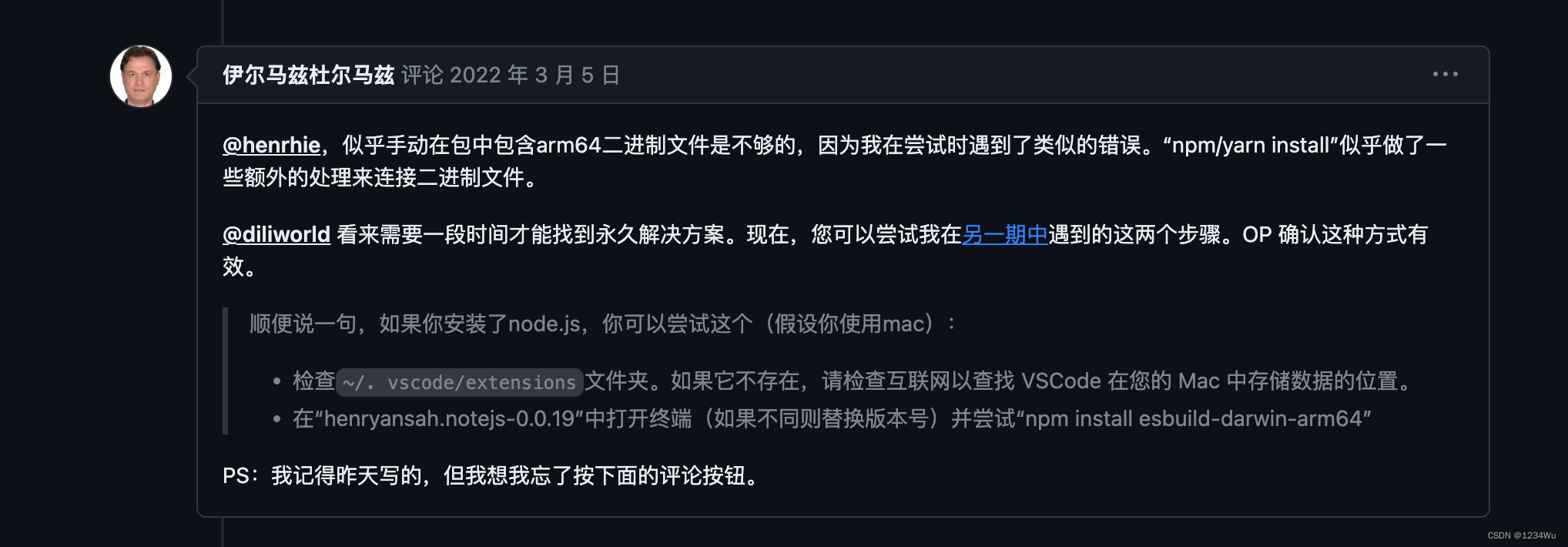
- 检查~/. vscode/extensions文件夹。如果它不存在,请检查互联网以查找 VSCode 在您的 Mac 中存储数据的位置。
- 在“henryansah.notejs-0.0.19”中打开终端(如果不同则替换版本号)并尝试“npm install esbuild-darwin-arm64”
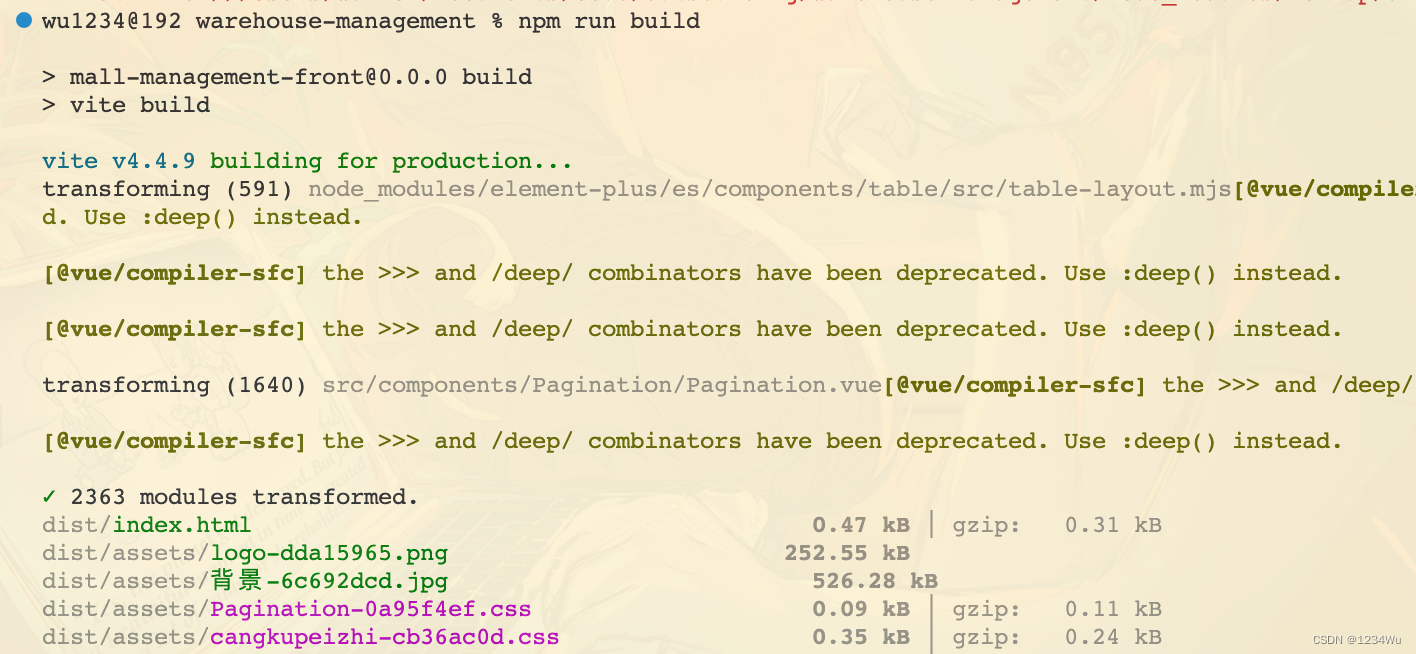
然后就打包成功了:

电影级数字人,免显卡端渲染SDK,十行代码即可调用,工业级demo免费开源下载!
更多推荐

 0
0 0
0- 0


 已为社区贡献1条内容

所有评论(0)